StayPut
StayPut app icon

Your MacBook stays where you left it.

A theft alarm for MacBooks with Apple silicon. Turn it on before you step away in a café or library.

For MacBooks with Apple silicon (M1 or newer), macOS 13 or later
Free · Version 1.0.0 · 318 KB · How to install

Turn it on

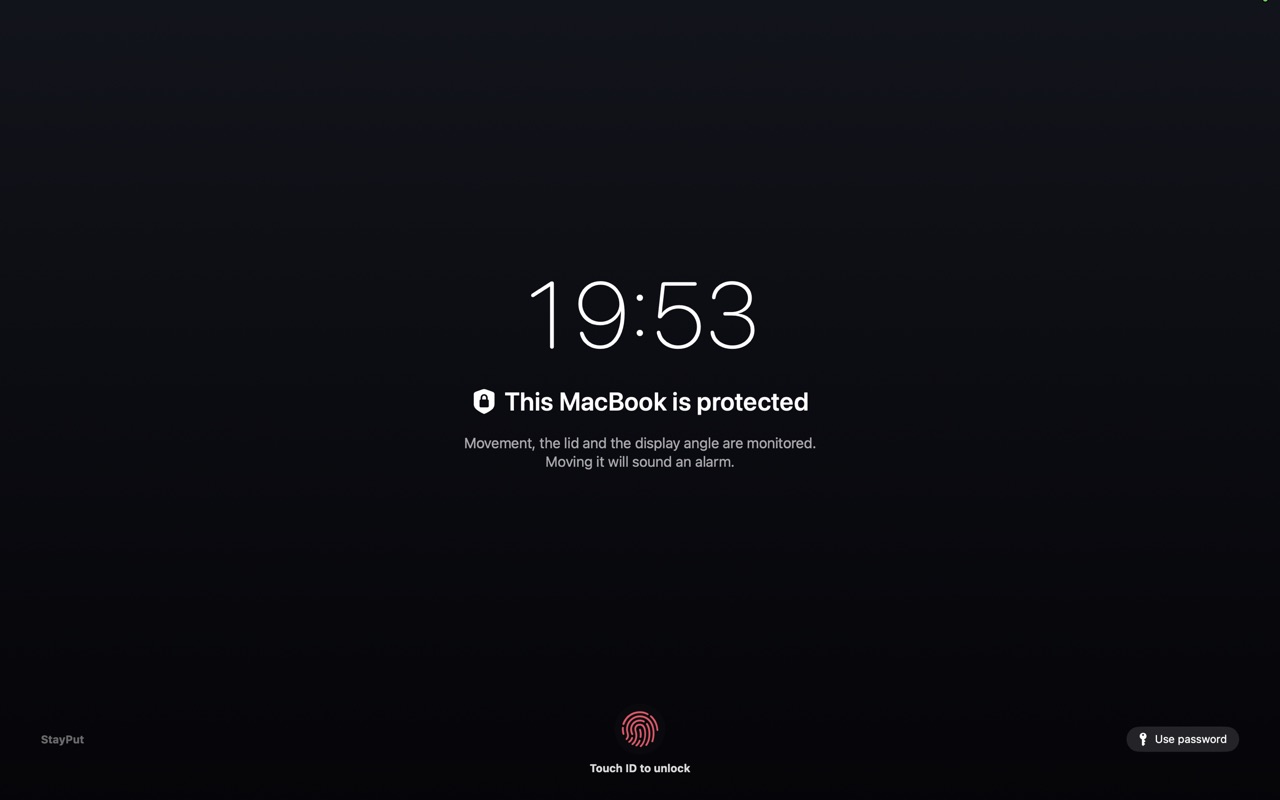
Press ⌃⌥⌘L or click the shield in the menu bar. The screen locks.

Nudged

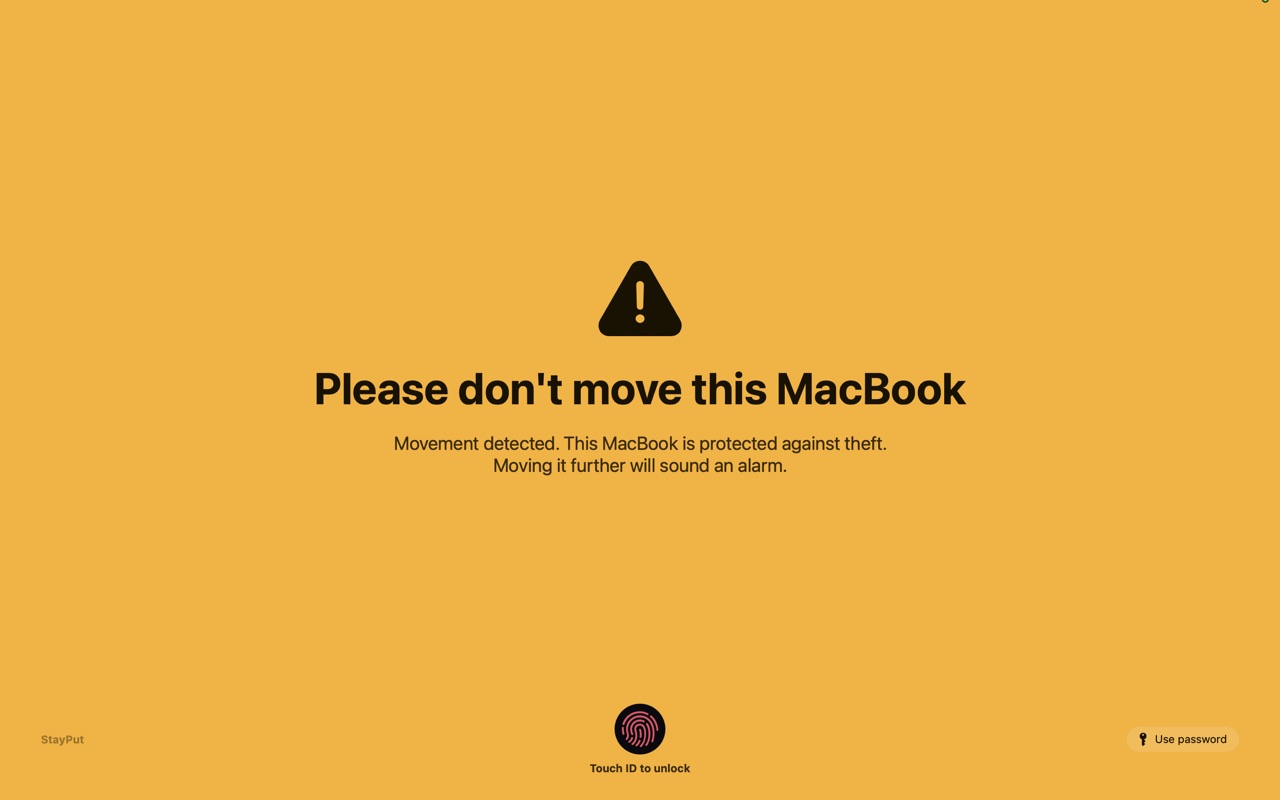
A warning appears on screen. No sound.

Picked up

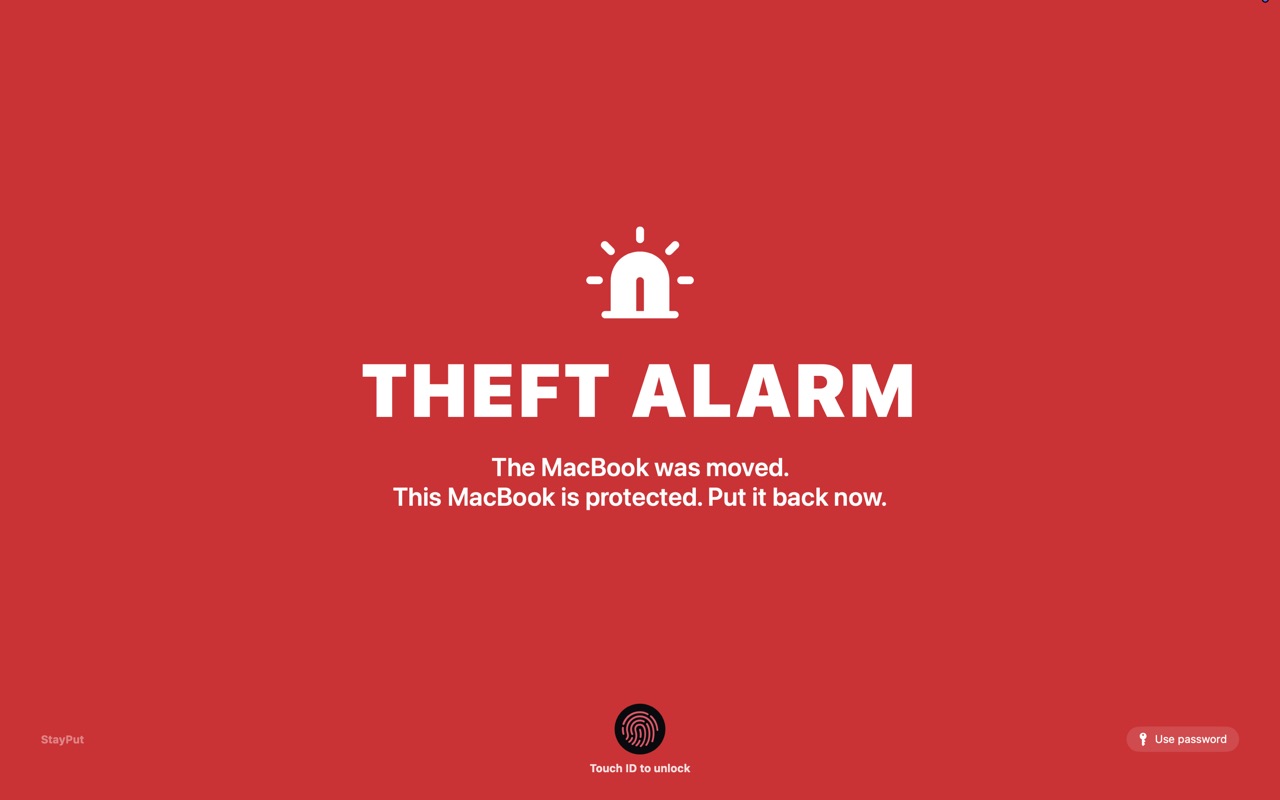
A loud siren goes off.

Turn it off

Only with your Touch ID or Mac password.

How to install

StayPut comes straight from GitHub, not the App Store, and isn't notarized by Apple. That's why macOS asks you to confirm the first launch. StayPut collects no data and never connects to the internet. Its full source code is public on GitHub.

  1. Download the ZIP file and unzip it.
  2. Move StayPut.app to your Applications folder.
  3. Open StayPut. macOS says it can’t verify the app. Click Done.
  4. Open System Settings → Privacy & Security, scroll down and click Open Anyway. Confirm with Touch ID or your password. You only do this once.
  5. A shield appears in your menu bar. You’re set.
For advanced users

Skip steps 3 and 4 by running this once in Terminal:

xattr -dr com.apple.quarantine /Applications/StayPut.app

Check that your download matches the release on GitHub (SHA-256):

shasum -a 256 ~/Downloads/StayPut-macOS-v1.zip
88a3f51c30cc6e94994e095cd502e092ab65af367f214189e95168a561368567

StayPut is a deterrent, not a vault: keep Find My turned on as well.

Questions

Which Macs does StayPut work on?

MacBook Air and MacBook Pro with Apple silicon (M1 or newer) on macOS 13 or later. Intel Macs and desktop Macs aren’t supported because they have no motion sensor. Some M1 models have no lid-angle sensor; StayPut then uses the lid switch instead.

Can a thief just turn it off?

No. Turning StayPut off needs your Touch ID or Mac password. While it’s on, the Dock, menu bar, ⌘-Tab, Force Quit and log out are blocked. Holding the power button for 10 seconds still forces a shutdown, so keep Find My turned on too.

What happens if someone closes the lid?

The siren starts right away. By default macOS puts the Mac to sleep after about 30 seconds. Turn on “Keep running when the lid is closed” in Settings and the siren plays for its full time.

What if my Mac is muted?

StayPut can unmute the Mac and use its own volume during an alarm. Your volume is restored afterwards.

Does StayPut collect any data?

No. The app never connects to the internet and stores nothing outside your Mac. It’s free, and the source code is public on GitHub.